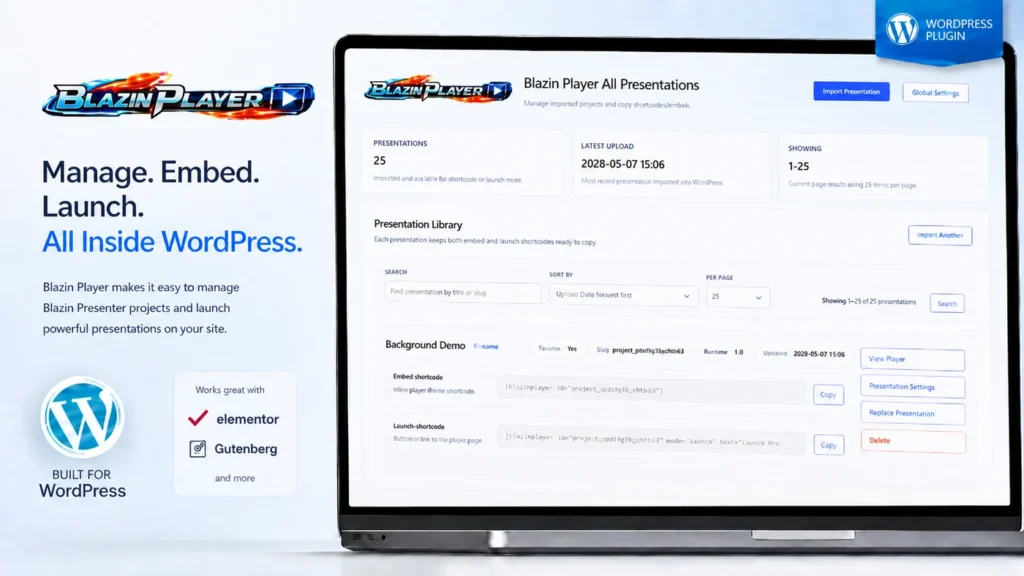
Blazin Player makes publishing Blazin Presenter projects in WordPress fast, simple, and organized.
Export your WordPress project from Blazin Presenter, import it into the Blazin Player Content Manager, then deploy it anywhere on your site using a shortcode or the Blazin Player Elementor widget.
Behind the scenes, Blazin Player uses a central runtime system to reduce duplicate files, save valuable server space, and help your content load efficiently. Each presentation or project can also have its own viewer security settings, giving you control over who can access specific content.
Best of all, everything is managed through an easy-to-navigate WordPress interface, so you can import, organize, protect, and publish interactive content without rebuilding pages or wrestling with complicated embed workflows.
If your goal is to publish learning activities, lead magnets, or engagement content, see how Blazin Player works as a WordPress quiz plugin for interactive quizzes.